Is Whole-Home Surge Protection Worth It? What a San Antonio Electrician Tells Homeowners
The lights blink twice. It’s a little after four on a June afternoon, the sky over Stone Oak has turned that bruised green color, and by dinner the AC is pushing warm air into a house that already reads 84 degrees.
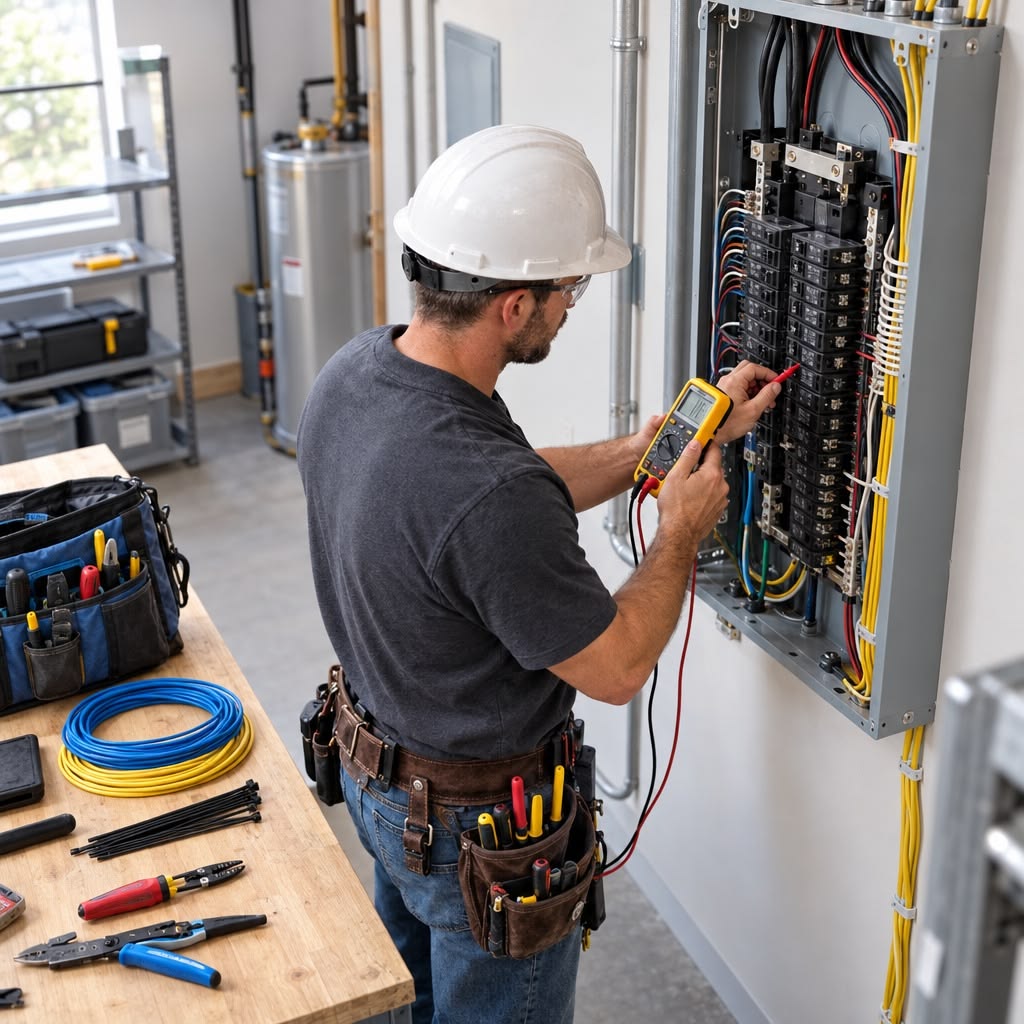
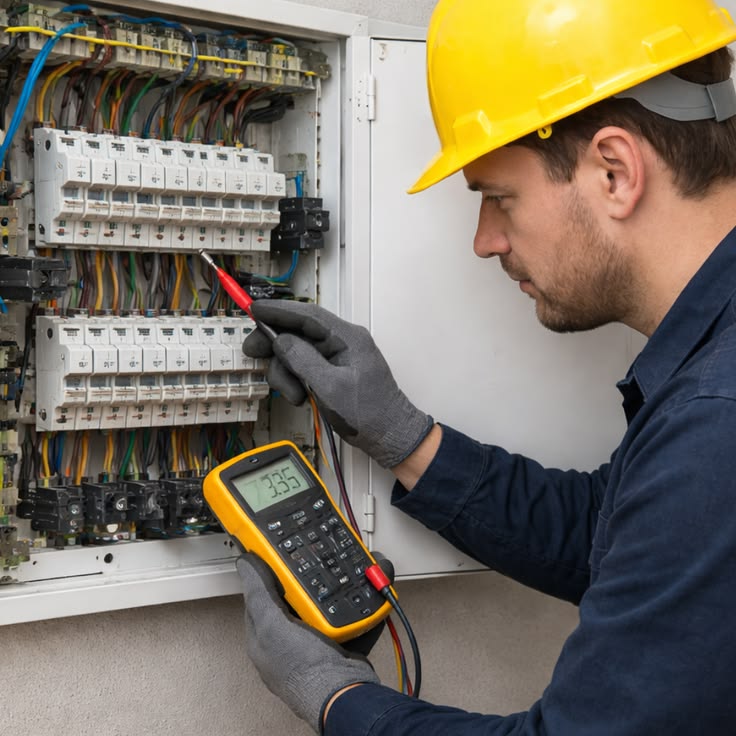
So, is it worth it? For most homes, yes. I’m George Cunningham, I run Cobalt Electrical, and the device I’m talking about bolts in right at your electrical panel. That plug-in strip behind your couch can’t do anything for your HVAC system or your water heater. It definitely can’t protect the wiring buried inside your walls, which is exactly what a panel unit is built to do.
It isn’t automatic, though. The device matters, the install matters more, and a tired panel with a weak ground can make a good protector close to useless. Below I’ll explain what a surge is, how panel protection handles it, what it typically costs around San Antonio, and when I’d tell you not to bother.
What an What the Gray Box Next to Your Panel Does
Panel Actually Does
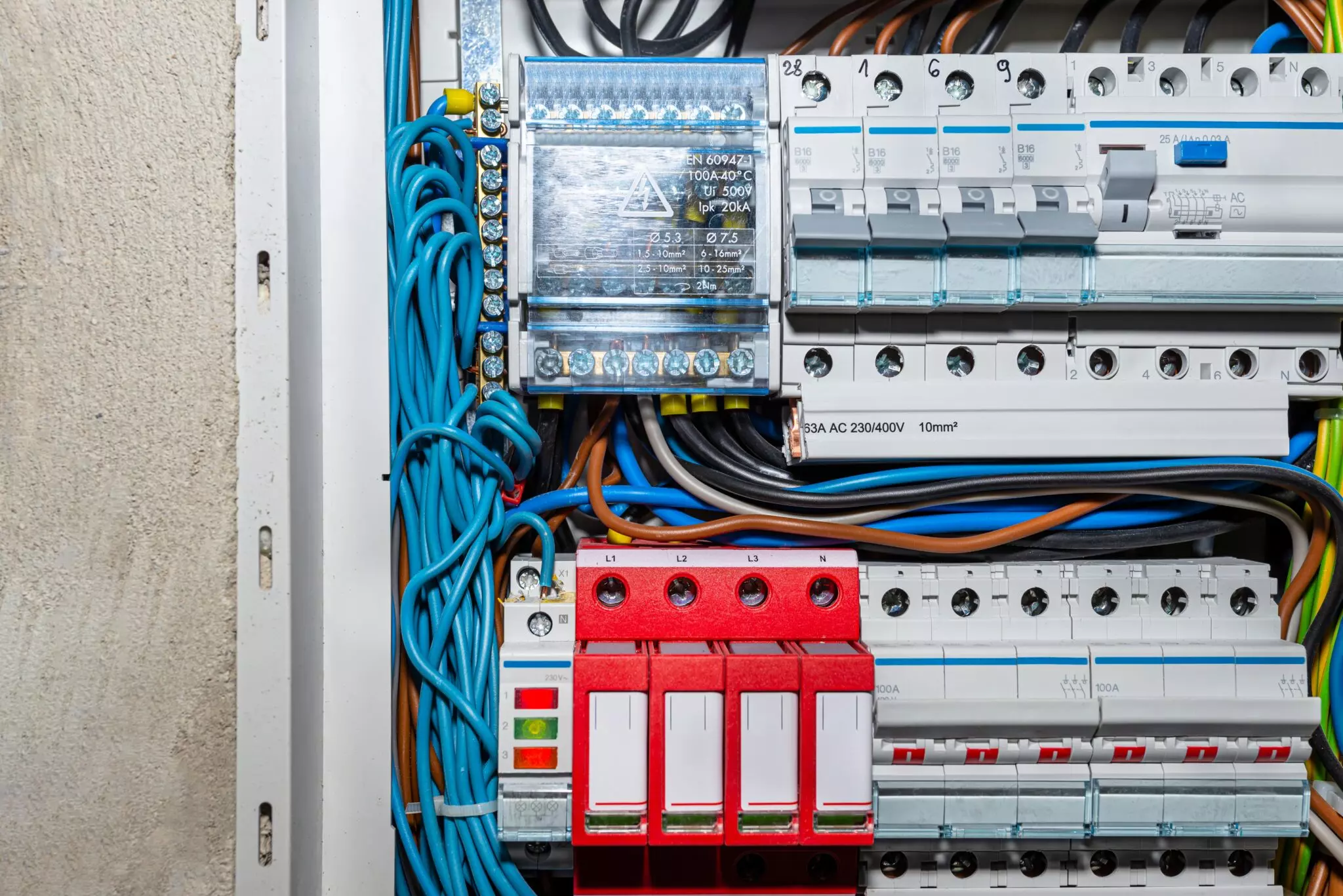
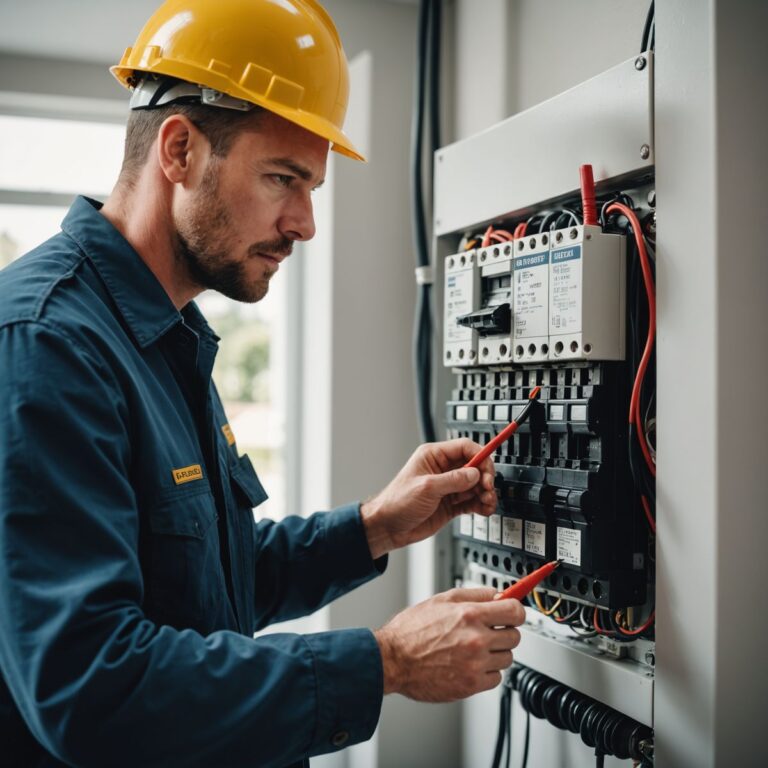
It’s basically a pressure valve for your house. The whole-home surge protector (electricians call it an SPD, short for surge protective device) gets wired into your main service panel or a subpanel, and from there it keeps watch on the power CPS Energy sends down the line. Spike comes in. The device catches it and dumps that extra energy into your grounding system, long before it has a chance to reach your fridge, your AC, or the TV you just paid off.
Manufacturers sell it under a pile of names. Whole-house surge protector. Panel-mounted surge protector. Service entrance surge suppressor, if the marketing team was feeling fancy. All of them protect the house at the point where power comes in, so every circuit behind that point is covered.
Your desk strip works differently. It only guards what’s plugged into it, and your air conditioner and EV charger are hardwired, so they’ve never been plugged into anything.
Where Surges Come From, Including Your Own AC
A power surge is a jolt of voltage well above the 120 volts at your outlets. Most last a few millionths of a second, which sounds harmless until you remember a circuit board doesn’t need long to cook.
From outside the house:
From inside, and this surprises people, the cause is usually your own equipment. Every time a big motor kicks on, whether it’s the compressor, the fridge, a washing machine, or a well pump out in Kendall County, it nudges the voltage. Loose connections add to it. So does an EV charger pulling hard while the dryer runs.
Small internal surges rarely kill anything on the spot. They wear parts down over a few years, which is often why a TV quits at year four with no warning. Big outside hits are less frequent. They’re also the ones that end with a repair bill.
The Repairs That Follow a Surge
Damage ranges from slow wear you’ll never notice to a very bad Saturday. These are the ones I’d watch:
Panel Protector vs. the Power Strip Behind Your TV
Both help. Neither replaces the other.
Keep the strips for your computer and TV. I tell customers the panel unit takes the punch and the point-of-use surge protector catches whatever’s left, plus anything the microwave in the next room throws at it.
Type 1, Type 2, Type 3: Which One Goes on Your House
These categories come from UL 1449, the U.S. safety standard for surge devices, and the number mostly tells you where the device lives.
A Type 1 SPD can go on the line side of your main disconnect, out near the meter, and it’s built for heavy outside surges. The Type 2 SPD sits on the load side of the main breaker, inside the panel, and it’s the most common residential choice. Type 3 is the plug-in stuff.
Which one fits your house depends on your service size, panel layout, and local code, so an electrician should look before anyone buys hardware.
Six Numbers on the Box, and the Two I Care About
Spec sheets read like a chemistry quiz. Start with these.
Surge current capacity (kA) tells you how much current the device can divert. For a panel unit, higher usually means it survives more storms. Next to it you’ll often find a joule rating, which matters on plug-in strips and much less on panel devices.
The voltage protection rating (VPR) comes from UL 1449 testing. It’s how much voltage still gets through to your equipment, so lower is better. If you only check two numbers, check this one and surge current.
Clamping voltage is where the device starts working. MCOV, the maximum continuous operating voltage, is the highest steady voltage it tolerates without reacting, and it should sit comfortably above normal line voltage. Response time on any decent unit is in nanoseconds, which is why I don’t lose sleep over it.
One more detail worth knowing: the parts that absorb surges inside most of these units are metal oxide varistors (MOVs), and they degrade a little with every hit. That’s why the devices wear out.
What the NEC Requires, and What Local Cities Enforce
The 2020 National Electrical Code (NEC) added a requirement for surge protection at the service equipment of new homes, and it applies when service equipment gets replaced, too. Which edition your city enforces varies, and local amendments change the details.
Code is the minimum. Plenty of owners in older neighborhoods like Monte Vista or Terrell Hills add one voluntarily, usually while an electrician is already in the panel for something else.
What It Typically Costs Around Bexar County
Most professionals install land between $250 and $700 . For reference, Cobalt’s current special is $399 for a qualifying install, which also includes a main panel and breaker inspection. Your number depends on:
- The device’s ratings, since higher surge current and lower VPR cost more
- Your panel’s condition, because a crowded or corroded panel may need work first
- Access. A panel behind a water heater in a Converse garage takes longer than one on a clear exterior wall.
- Whether a garage or workshop subpanel needs its own unit
- Permits and inspections, where your city requires them
- Timing, since adding it during a panel upgrade usually lowers the total
Worth It for Most Homes. Not for Every One.
One avoided HVAC control board repair often covers the cost of the device and install. Fewer scorched outlets and a lower fire risk don’t show up on a receipt, but they count.
It makes the most sense if you:
- Have central AC, an EV charger, or a pool pump you’d hate to replace
- Live where storms roll through every spring, which in South Central Texas is everybody
- Work from home on equipment your paycheck depends on
- Own an older house still running its original panel
- See lights flicker when the AC starts
It may not be worth it if you rent and your landlord won’t let anyone open the panel, or if you live in a small apartment with a laptop, a phone charger, and not much else. It isn’t for everyone.
What you get: every circuit covered, including the hardwired stuff. Less slow wear from daily spikes. One device for the whole house instead of a strip in every room.
What you don’t: protection from a direct lightning strike, because nothing offers that. It also won’t last forever, won’t replace the strip behind your computer, and won’t do much on a bad ground. It costs more upfront than a $25 strip, too.
Your Insurance Deductible Is Probably Bigger Than the Install
Coverage depends on the policy. Many homeowners insurance plans cover sudden lightning damage, but you’ll still pay the deductible, and some exclude utility-side surges or classify the damage as gradual wear. A home warranty often caps electronics and appliance claims, and the fine print varies a lot between companies.
Pull out your policy before storm season. If your deductible is $1,500 and the protector costs a few hundred dollars, the math isn’t hard. Keep the install invoice somewhere you can find it, since some insurers like seeing documented electrical upgrades.
Why a Bad Ground Makes a Good Protector Useless
A surge protector pushes energy into your grounding system. If the ground is weak, that energy has nowhere safe to go. A proper install should include:
- A check that the grounding electrode system is intact and properly connected
- Bonding on the panel enclosure, water pipes, and gas lines, so no metal in the house sits at a dangerous voltage
- A look at panel condition: loose lugs, corrosion, heat marks, outdated circuit breakers
- An open breaker slot and a clean wiring path
- Short leads. Every extra inch of wire adds resistance to the surge path, so the device should mount as close to the panel as possible.
- NEC compliance and any local permit requirements
- A final test confirming the indicator lights read normal
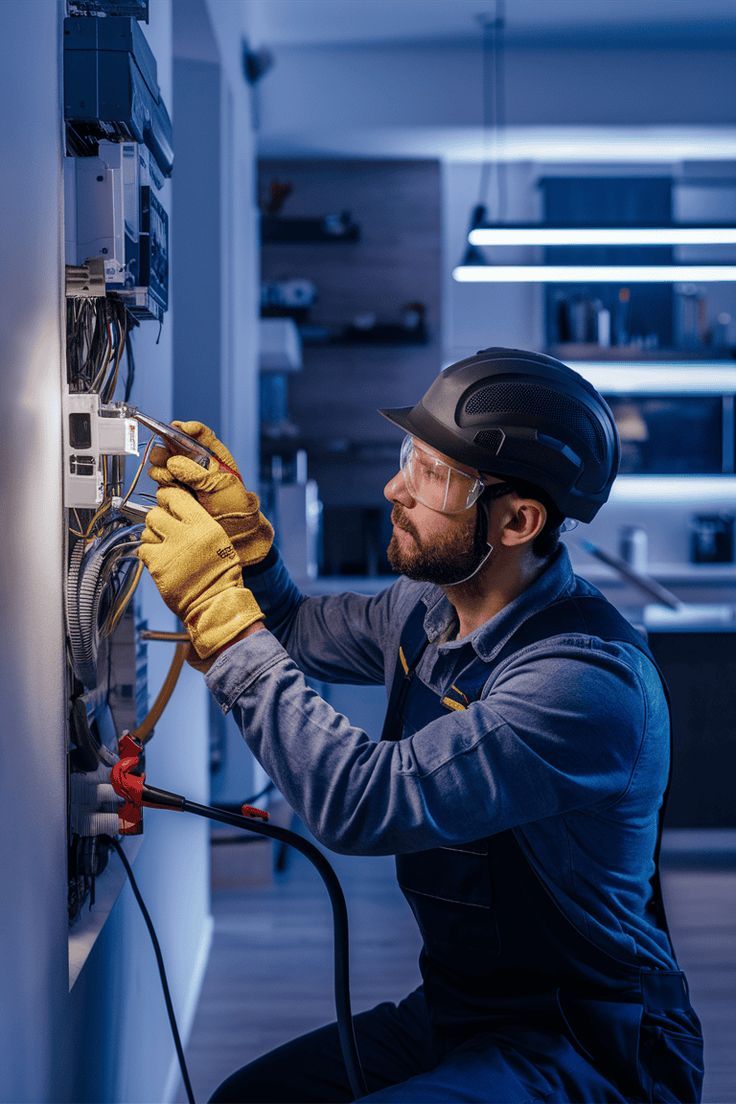
On our jobs, most installs wrap up in under two hours, and the power is off for roughly 20 to 30 minutes while we connect at the panel. Please don’t make this a weekend project. A live panel can kill you, and a bad install can quietly void warranties.
Breakers, GFCIs, AFCIs, and Where Surge Protection Fits
Each device handles a different problem. Circuit breakers stop overloads and short circuits but react far too slowly for a voltage spike. GFCI outlets protect people from shock near water, which is why they belong in kitchens, bathrooms, garages, and on the back patio. AFCI protection catches arcing that can start fires inside walls.
Surge devices fill the last gap. Not sure which of these your house has? An electrical safety inspection will tell you, and it’s a good habit every few years regardless.
Already Replacing Your Panel? Add It Now.
Yes, this is the cheapest moment to do it. The electrician is already there, the panel’s already open, and the new layout can leave a slot for the SPD from day one. If a detached garage or workshop runs off its own subpanel, ask about that one too.
Seven Signs Your Panel Deserves a Look
- Lights dim when the AC or dryer kicks on
- Electronics keep dying young
- Lightning hit a tree or pole near your property
- An outlet feels warm, buzzes, or has a brown mark around the slots
- Your panel is older than your kids, or nobody’s inspected it since you bought the house
- You’ve added an EV charger, a new HVAC system, or a home office
- Nothing at the panel protects you right now
One of our customers called about a breaker that kept tripping. Derrick, one of our technicians, found and fixed the problem, and at her request added a surge protector at the outside box, all in under two hours. (Paraphrased from a Google review on our site.) A tripping breaker isn’t a surge problem by itself, but it’s a common moment for people to ask what else the panel needs.
Five to Ten Years, If the Light Stays Green
Most panel-mounted SPDs last roughly 5 to 10 years, less if they absorb several big surges. Nearly all have an indicator light. The tricky part is that your power keeps working fine after the protector has worn out, so the light is your only clue. Check it after any major storm, and have it looked at during routine electrical maintenance.
Frequently Asked Questions
Surge Season From Stone Oak to San Marcos
Spring storms here can drop hail in Leon Valley while it’s sunny in Seguin. Add AC units running from April to October and plenty of homes still on their original panels, and whole-home surge protection in San Antonio, TX matters more here than in most cities.
Cobalt Electrical works out of offices on Legend Point Drive in north San Antonio and Strawberry Street in San Marcos, serving Bexar, Comal, Kendall, Guadalupe, and Wilson counties. If you’d like someone to look at your panel and tell you whether a surge protector makes sense for your house, you can reach us at (830) 730-7996 or service@countoncobalt.com, weekdays 8 a.m. to 5 p.m.